Seasonal Menu Management for Restaurants Using Digital Menus
Learn how to plan, update, and launch seasonal menu changes smoothly — with consistent translations across all languages and zero reprinting costs.
Table of Contents
Introduction
Seasonal menus are one of the most effective tools in a restaurant's playbook. Fresh, timely offerings signal quality to guests, justify premium pricing, and give you a built-in reason to reach out to regulars. The catch has always been the operational burden: reprinting costs, staff briefings, menu inconsistencies across languages, and the scramble when a key ingredient becomes unavailable mid-season.
A digital menu changes the equation entirely. Updates cost nothing to "print", every language version updates at the same time, and you can make a live change from your phone in under a minute. This guide walks you through getting the most out of that flexibility — from planning your seasonal calendar down to the final quality check before launch.
Why Seasonal Changes Matter More Than Ever
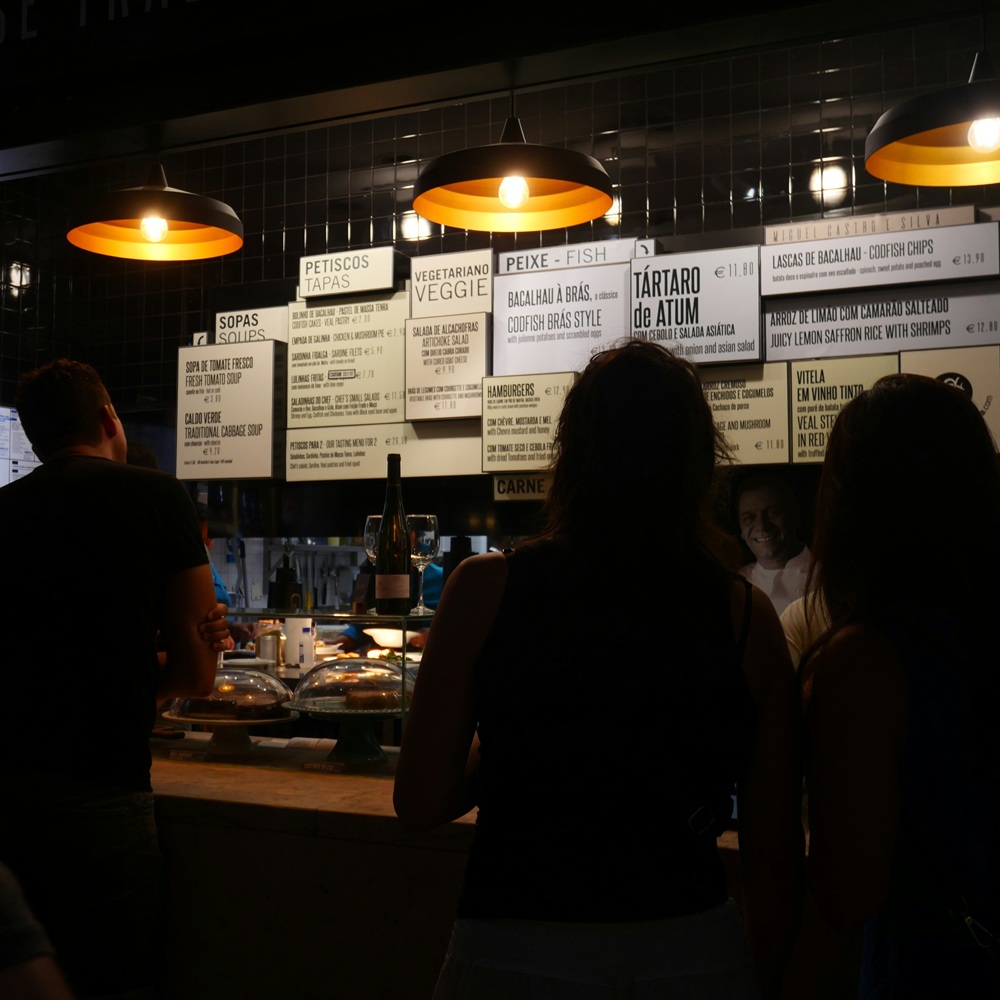
Diners have become sophisticated. They follow food trends, notice when a restaurant uses the same menu for twelve months straight, and actively reward places that feel alive and current. A seasonal rotation — even if it's only 20–30% of the menu — signals that the kitchen cares about sourcing and craft.
Beyond perception, seasonal menus improve your margins. In-season produce is cheaper, fresher, and more flavorful. Dishes built around what's actually available right now are easier to execute consistently, which means fewer quality complaints and less food waste.
The practical barrier used to be the menu itself: design, translation, and printing add up fast. With a digital menu, those barriers largely disappear.
Planning Your Seasonal Calendar
Decide on Your Rotation Cadence
Most restaurants find that two to four seasonal updates per year strikes the right balance. A quarterly rotation (Winter, Spring, Summer, Autumn) is the most common, but the right answer depends on your kitchen's bandwidth and your local climate.
Some restaurants keep a stable "core" menu year-round and rotate a smaller "seasonal specials" section more frequently — weekly or monthly. This approach is often easier to manage and still gives guests something new to look forward to.
Build a Preparation Timeline
Work backwards from your target launch date. A sensible timeline for a seasonal menu update:
6–8 weeks before launch
- Finalize the new menu items with the kitchen team
- Draft descriptions for all new dishes
- Schedule any food photography needed
3–4 weeks before launch
- Upload new menu images or update dish descriptions in the dashboard
- Submit items for translation — all languages update simultaneously with MenuTap, so there's no extra lead time for additional languages
- Plan your marketing around the seasonal launch: social media posts, email newsletter, Google Business Profile update
1–2 weeks before launch
- Review all translated versions carefully (see the quality checklist below)
- Brief your front-of-house team on new items, key ingredients, and any allergen changes
- Prepare table-side communication: a small card or verbal introduction from servers works well
Launch day
- Activate the new menu in your dashboard (or schedule it to go live automatically)
- Do a final scan test on multiple devices
- Share on social media
Types of Seasonal Updates
Not every update has to be a full menu overhaul. Common seasonal change types:
- Full seasonal rotation — spring/summer and autumn/winter menus with significant item changes
- Seasonal specials section — a dedicated section that rotates while the core menu stays fixed
- Limited-time offers — single dishes with a defined end date, great for generating urgency
- Price adjustments — seasonal pricing on items where ingredient costs fluctuate significantly
- Market-fresh daily items — a small "today's special" section updated frequently
Writing Descriptions That Translate Well
Menu descriptions written for translation need a little extra thought. Avoid:
- Highly idiomatic phrases ("fork-tender" works in English but translates awkwardly into most languages)
- Regional references that won't land internationally ("Southern-style" means nothing to a Japanese guest)
- Puns and wordplay — they almost never survive translation
Instead, lead with clear sensory language: the main ingredient, cooking method, and one or two flavour notes. Keep descriptions to 1–3 sentences. This makes the dish easy to understand for any guest and produces clean, accurate translations.
Good: "Pan-roasted duck breast with a cherry reduction and creamy celeriac purée." Needs rework: "Chef's take on a barnyard classic — so good it'll make you forget every duck you've ever had."
Managing Translations Across a Seasonal Update
One of the greatest advantages of MenuTap over traditional multilingual menus is that all language versions update together. There's no sending files to separate translators for each language, no version-control chaos, and no risk that the French menu still shows last season's dishes while the English version has been updated.
A few best practices for translation quality during seasonal updates:
Review the specific new items, not just the overall menu. New dishes will have new descriptions — those are the ones that need a careful eye. Existing items that weren't changed don't need re-reviewing.
Check allergen terminology in every language. Allergen names can differ significantly between languages, and an incorrect translation here has real consequences. Pay extra attention to any new items that contain common allergens: nuts, gluten, shellfish, dairy.
Ask a native speaker to spot-check high-traffic languages. If you have staff or regular guests who speak French, Spanish, or German, a quick informal review of the new items in their language takes five minutes and catches issues automated review might miss.
Don't over-localise dish names. The name of a dish (e.g., "Cacio e Pepe") usually stays in the original language across all versions. Only descriptions get translated.
Launch Day Checklist
Before going live with a seasonal update, run through this checklist:
- All new dishes are entered with complete descriptions and pricing
- All languages have been reviewed and approved
- Allergen information is correct for all new items
- Removed items are fully deleted (not just hidden) unless you plan to bring them back
- QR codes have been scanned on both iOS and Android — the new menu loads correctly
- Staff have been briefed on all new items
- Any table cards, chalkboards, or printed specials sheets have been updated
- Social media post is ready to go
- Google Business Profile has been updated if it shows a "specialties" section
Handling Unexpected Changes Mid-Season
Even the best-planned menus run into supply chain surprises — an ingredient becomes unavailable, prices spike, or a key supplier lets you down. This is where digital menus truly shine.
When an item needs to be pulled quickly:
- Log into your dashboard
- Remove or mark the item as unavailable
- The change is live within seconds across all languages
No "sorry, we're out of that" conversations at the table, no crossed-out items on printed menus. Guests only see what you're actually able to serve.
If an ingredient substitution changes allergen information, update that immediately and re-review the translated versions before the dish goes back on.
Marketing Your Seasonal Changes
A seasonal menu launch is one of the best content opportunities you have. Don't let it go unannounced.
Email newsletter — If you have a mailing list, a short "New Season Menu Is Here" email typically gets strong open rates. Include 2–3 hero dishes with photos and a link to your digital menu.
Instagram and Facebook — Share 3–5 posts in the week leading up to launch and on launch day. Behind-the-scenes preparation, new dish previews, and supplier spotlights all perform well.
Google Business Profile — Update your Google Business Profile with a "What's New" post announcing the seasonal change and linking to your MenuTap menu. This often appears directly in search results when people search for your restaurant.
In-restaurant — A small table card or server introduction ("We just launched our summer menu — can I highlight a few of the new dishes?") makes guests feel like they're getting something special.
Tracking What Works
After each seasonal update, spend a few minutes reviewing what sold well and what didn't. MenuTap's dashboard gives you a view of which menu sections and items are getting the most attention. Over several seasons, this data helps you make better decisions:
- Which dishes reliably become favourites and should anchor next year's seasonal menu?
- Which items underperformed and should be retired?
- Which languages are being used most, and does that suggest you should add more guest-facing multilingual communication?
A simple note-keeping practice — even just a shared doc with the kitchen team — captures institutional knowledge that would otherwise be lost at turnover.
Conclusion
Seasonal menu management used to mean a cascade of logistical headaches: design, print, translation, staff retraining, all on a tight deadline. With a digital menu, the hard parts largely disappear. The job becomes planning good food, writing clear descriptions, and communicating the changes to your team and guests.
That's how it should be. Use the time you save on logistics to put more thought into the menu itself — because that's what guests actually taste.
Questions about managing seasonal updates in MenuTap? Email us at support@menutap.biz or visit menutap.biz/guides for more setup and management guides.
Last Updated: June 2026
For more restaurant success tips, visit our Learning Center
Ready to transform your restaurant menu?
Join thousands of restaurants worldwide that have enhanced their customer experience with multilingual digital menus.
We use essential cookies to run MenuTap, and optional analytics cookies (Google Analytics & Microsoft Clarity) to understand how the site is used. Cookie policy